How to Create AI Explanation Videos for Your SaaS Product
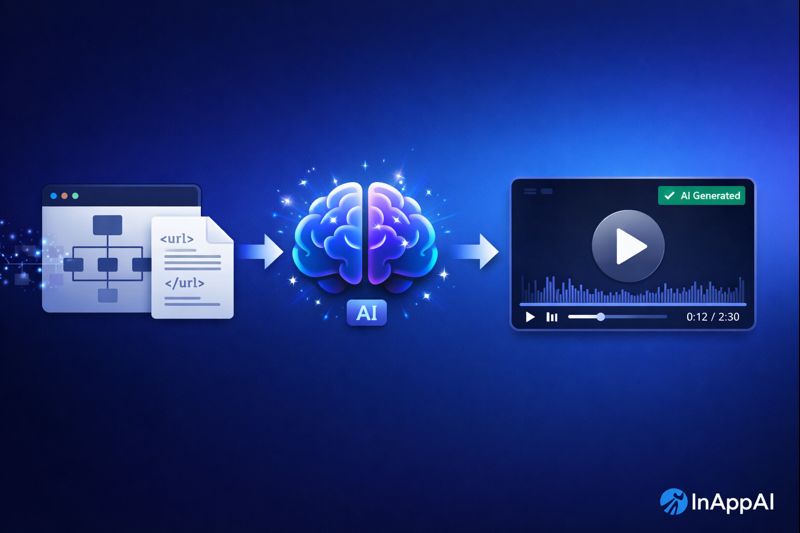
Creating explanation videos for your SaaS product used to require scriptwriters, voice actors, and video editors. Now you can generate them in minutes using AI.
Here’s a simple workflow that turns your existing website content into a professional explanation video using Google’s NotebookLM.
The Problem with Traditional Product Videos
Most SaaS teams either spend weeks producing videos or skip them entirely. The process is painful:
- Writing scripts from scratch
- Hiring voice talent or recording yourself
- Editing, re-editing, and more editing
- Keeping videos updated as the product evolves
What if your documentation and marketing pages could just… explain themselves?
The AI-Powered Solution
Google’s NotebookLM can generate audio and video explanations from your content. The catch: it doesn’t accept sitemaps or XML files directly.
The workaround is simple. Extract your URLs into a format NotebookLM can process.
Step 1: Get Your Sitemap URLs
Every website has a sitemap, usually at yoursite.com/sitemap.xml. This file lists all your public pages.
Open ChatGPT (or Claude, or any capable LLM) and paste your sitemap XML. Ask it to extract the URLs into a CSV file:
Here is my sitemap.xml. Please extract all the URLs
and output them as a CSV file with one column named "url".

[paste your sitemap.xml content here]
Download the resulting CSV file.
Step 2: Upload to NotebookLM
Go to NotebookLM and create a new notebook.
Upload the CSV file. NotebookLM will crawl each URL and index the content from your website. This may take a few minutes depending on how many pages you have.
Once indexed, NotebookLM understands your entire website: your product features, pricing, documentation, and marketing messaging.
Step 3: Generate the Video
Here’s the key insight that makes this work well. When you ask NotebookLM to create the explanation, tell it to speak from your company’s perspective, not as a third-party reviewer.
Try a prompt like this:
Create an explanation video about this product.
Speak from the perspective of the company that built it,
not as a third-party reviewer. Explain what the product does,
who it's for, and why someone would use it.
Without this instruction, the AI tends to sound like someone who just read the docs and is summarizing from the outside. With it, the video sounds like it’s coming from you.
Customizing Your Video
NotebookLM gives you control over the output. You can adjust:
- Tone: Professional, casual, enthusiastic
- Length: Brief overview or detailed walkthrough
- Focus: Highlight specific features or use cases
- Audience: Technical users, business buyers, or general audience
Experiment with different prompts to find what resonates with your target customers.
See It In Action
Here’s an example of what this workflow produces. We used it to create an explanation video for InAppAI:
The entire video was generated from our website content using the process described above.
Why This Matters for SaaS Teams
This workflow changes the economics of product videos:
Speed: Generate a video in minutes instead of weeks.
Consistency: The AI pulls from your actual marketing copy, so messaging stays aligned.
Updates: When your product changes, regenerate the video from your updated website.
Cost: No video production team required for basic explanation content.
When AI Videos Make Sense
This approach works well for:
- Product overviews and introductions
- Feature explanations
- Onboarding content
- Internal training materials
- Quick demo supplements
For high-production brand videos or emotional storytelling, you’ll still want human creative direction. But for functional explanation content, AI handles it surprisingly well.
Get Started
- Export your sitemap URLs to CSV using ChatGPT
- Upload to NotebookLM
- Generate your video with the “speak as the company” prompt
- Review, refine, and publish
The whole process takes about 15 minutes once you get the hang of it.
Your website already explains your product. Now it can do it in video format too.